ERP & Automation
Capturing Delivery Notes & Order Confirmations Automatically
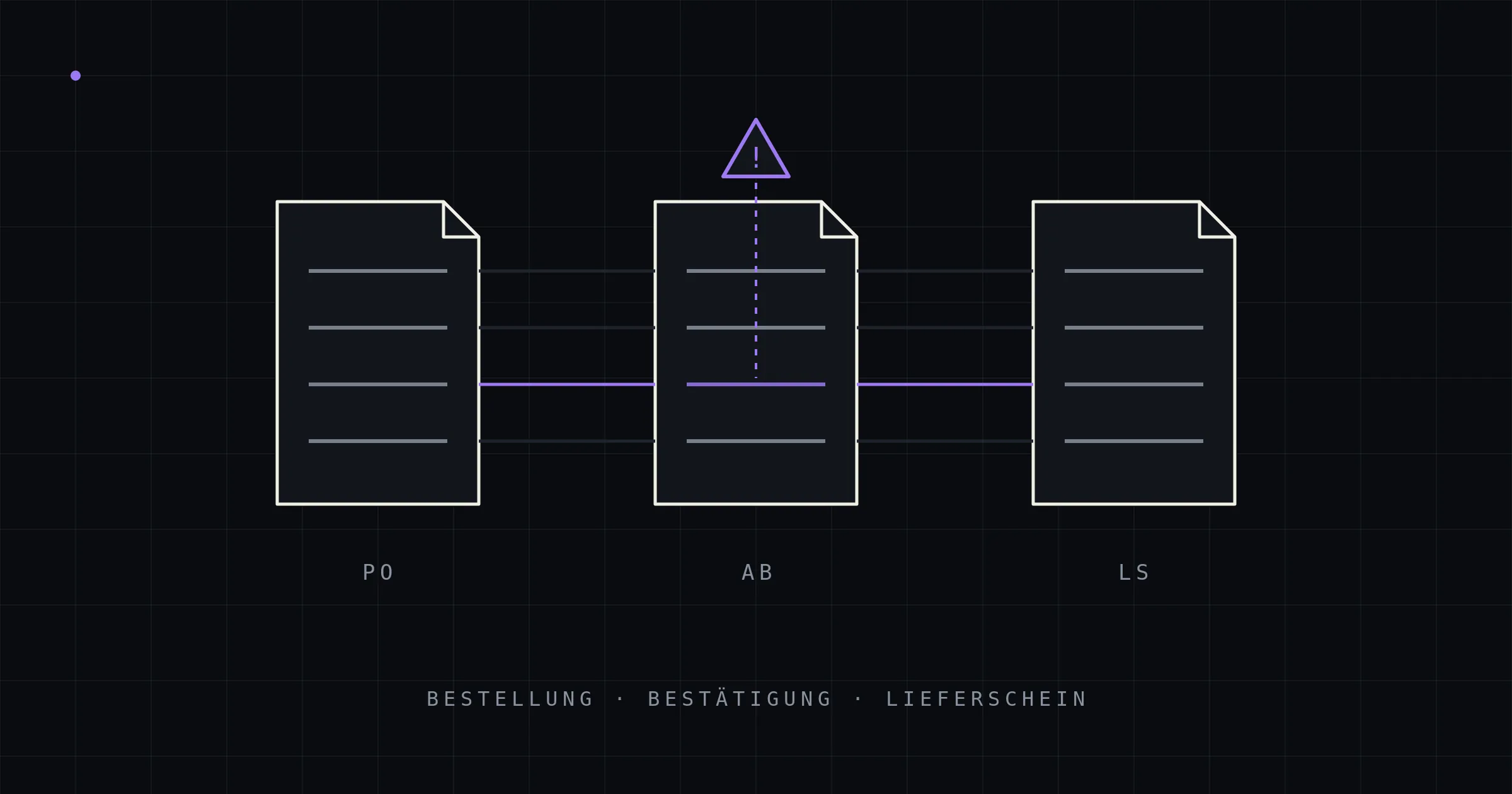
When companies automate their document intake, they almost always start with incoming invoices — understandably, since that’s where the regulatory pressure sits and accounting is pushing. Two document types are routinely left behind in the process: the supplier’s order confirmation and the delivery note at goods receipt. They are treated as second-class documents — mere intermediate steps to be filed away and, if in doubt, dug up later.
That is an expensive mistake. These two documents are the only points in the purchasing process where deviations become visible before the invoice — that is, at a moment when you can still steer against them. If you don’t capture and match them systematically, you discover price increases, schedule slips, and quantity discrepancies only after the goods have been installed or the invoice has been posted.
Why these documents get left behind
Three reasons explain the gap. First, there’s no external pressure: no e-invoicing mandate, no tax audit cares about order confirmations — so the trigger that invoice digitization had is missing. Second, the perceived effort per document is small: a confirmation is “just skimmed,” a delivery note “just filed” — and nobody notices that skimming without a line-item comparison is practically worthless. Third, there are simply a lot of them: every purchase order normally comes with one confirmation and at least one delivery note — the document pile is twice the size of the invoice stack, and that’s exactly why nobody touches it.
The result is the same quiet arrangement in many companies: confirmations are filed instead of checked, delivery notes at goods receipt are roughly counted against the delivery, and the invoice is ultimately approved “by feel.” Every step seems reasonable on its own. Together, they produce a process in which the supplier effectively operates unsupervised.
What that costs: three typical damage patterns
The silent order change. The purchase order says 100 units at €12.40, delivery in calendar week 28. The order confirmation says €12.90 and week 31 — but sits unread in a folder. A line-item comparison would have caught it in ten seconds; in reality it surfaces when the production line is waiting for material in week 29, and the price increase never surfaces at all, because invoice verification checks against the confirmation — which, after all, says €12.90. A confirmed price deviation of 4% across a meaningful purchasing volume is no longer an exception case — it’s systematic margin erosion.
The discrepancy at goods receipt. 96 units are delivered, the delivery note says 100, counting happens on a spot-check basis. The discrepancy materializes weeks later as missing stock — by which point it’s impossible to reconstruct whether the delivery was short, the posting was wrong, or items were taken. Claim deadlines have passed, and the supplier rightly points to the signed delivery note.
The uncovered invoice. Without captured confirmation and delivery note data, accounts payable checks the invoice against the purchase order — or against nothing at all. Partial deliveries, back orders, and tiered pricing make the manual comparison so tedious that for small amounts it simply doesn’t happen. That’s exactly where the cent-level and single-line discrepancies accumulate that nobody ever recovers.
The real lever: automated document matching
The value of capture lies not in filing but in matching — known in classic purchasing controls as the three-way match: purchase order, delivery note (plus confirmation), and invoice are checked against each other line by line; only what was ordered, confirmed, and delivered gets paid.
Done manually, the three-way match fails in the mid-market on sheer workload — line-by-line comparison of three documents per transaction is illusory at hundreds of transactions per month. Automated, the logic inverts: the pipeline captures every confirmation and every delivery note template-free (the same extraction and validation architecture as for purchase orders and invoices), assigns the documents to the transaction via PO number, item numbers, and quantity logic — and reports only the deviations:
- Confirmation deviates from purchase order → alert to purchasing while a response is still possible: price, quantity, date, substitute item.
- Delivery note deviates from order/confirmation → exception case at goods receipt, with a deadline and the document in hand, instead of weeks later in the warehouse.
- Invoice deviates from what was delivered → automatic hold instead of approval by feel.
Humans no longer check a hundred unremarkable transactions to find the three remarkable ones — they get the three presented to them, with the source passages side by side. It’s the same architectural idea that carries all of document automation: machines check everything, humans decide exceptions. (Fundamentals in the guide to document automation.)
Practical capture questions: what’s different about these document types
Technically, confirmations and delivery notes are grateful extraction targets — with three peculiarities a pipeline has to master:
- Reference chains instead of single documents: The value comes from the assignment (delivery note → purchase order → transaction). Extraction must reliably carry reference numbers along — and the pipeline needs access to master data and open transactions in the ERP to resolve them. This is precisely where the feature set of generic SaaS tools usually ends, and where ERP integration work begins.
- Partial and consolidated deliveries: One purchase order, three delivery notes — or one delivery note spanning two purchase orders. The match therefore works cumulatively at line-item level (ordered 100, delivered so far 60 + 40) rather than document against document.
- Little arithmetic, lots of logic: Delivery notes often carry no prices — part of the mathematical self-check used in invoice verification falls away. Its place is taken by consistency rules (delivered quantity ≤ remaining ordered quantity, item exists in the transaction) and grounding every value against the document text.
Frequently asked questions
Is capture worth it if we currently just file delivery notes? Especially then — “just filing” means the three-way match isn’t happening today, and deviations are found by chance. The benefit doesn’t come from digital filing, but from a match that simply didn’t exist before.
Some of our delivery notes are paper with stamps and signatures — does that work? Yes. Scanned and photographed documents run through a vision path of the same pipeline; handwritten notes (quantity corrections at goods receipt) are capturable and, due to lower confidence, land in the review queue more often — which for corrected quantities is exactly right.
Do we need a new goods receipt module in our ERP? No. The pipeline writes into the existing structures (goods receipts, transactions, hold flags) — it adds capture and matching to the ERP instead of replacing processes. Which fields and workflows exactly are served is part of the integration work per system.
Where to start — confirmation, delivery note, or invoice? Wherever deviations are most expensive: in manufacturing companies usually the order confirmation (date and price changes), in trading businesses at goods receipt (quantity discrepancies). Since all document types use the same pipeline, the order is a question of priority, not architecture.
Conclusion
Order confirmations and delivery notes are the blind spots of document automation: no regulatory trigger, individually unremarkable — and collectively the place where price deviations, schedule risks, and quantity discrepancies happen unobserved. Template-free capture turns the document pile into an automated line-item match across the entire purchasing process: order, confirmation, delivery, invoice. Machines check everything; humans only see deviations — and early enough to act.
kitun builds document matching as a custom ERP module — capture of all document types, transaction assignment, and deviation logic directly in your existing system, on-premise. Which document type offers the biggest lever in your process: a 20-minute intro call will tell.