ERP & Automation
What Does Manual Document Capture Really Cost? A Calculation for Mid-Sized Companies
There is a cost item that exists in almost every mid-sized company and appears in no report whatsoever: manual document capture. It has no cost center, no budget, and no owner — it’s spread across sales support, purchasing, and accounting, in minute-sized chunks nobody measures. That’s exactly why it survives every round of cost-cutting.
This article makes the item visible — with a model calculation you can rerun with your own numbers in ten minutes. The result up front: in a typical industrial company handling 40 documents a day, the total effect lands between €50,000 and €90,000 per year.
The visible part: time × wage × volume
The direct portion is simple multiplication. Three inputs suffice: documents per day (purchase orders, invoices, delivery notes, and order confirmations combined), average capture time per document, and the fully loaded hourly rate of the people doing the entry (salary plus overheads — €40–50 per hour is realistic for sales support and accounting staff).
| Scenario | Docs/day | Avg min/doc | Hours/day | Cost/day (€45/h) | Cost/year (220 days) |
|---|---|---|---|---|---|
| Small operation | 15 | 5 | 1.25 | €56 | ~€12,400 |
| Typical mid-sized company | 40 | 6 | 4.0 | €180 | ~€39,600 |
| Larger document intake | 100 | 6 | 10.0 | €450 | ~€99,000 |
Even the middle scenario amounts to roughly half a full-time position — tied up in work that no customer pays for and no skilled employee would miss.
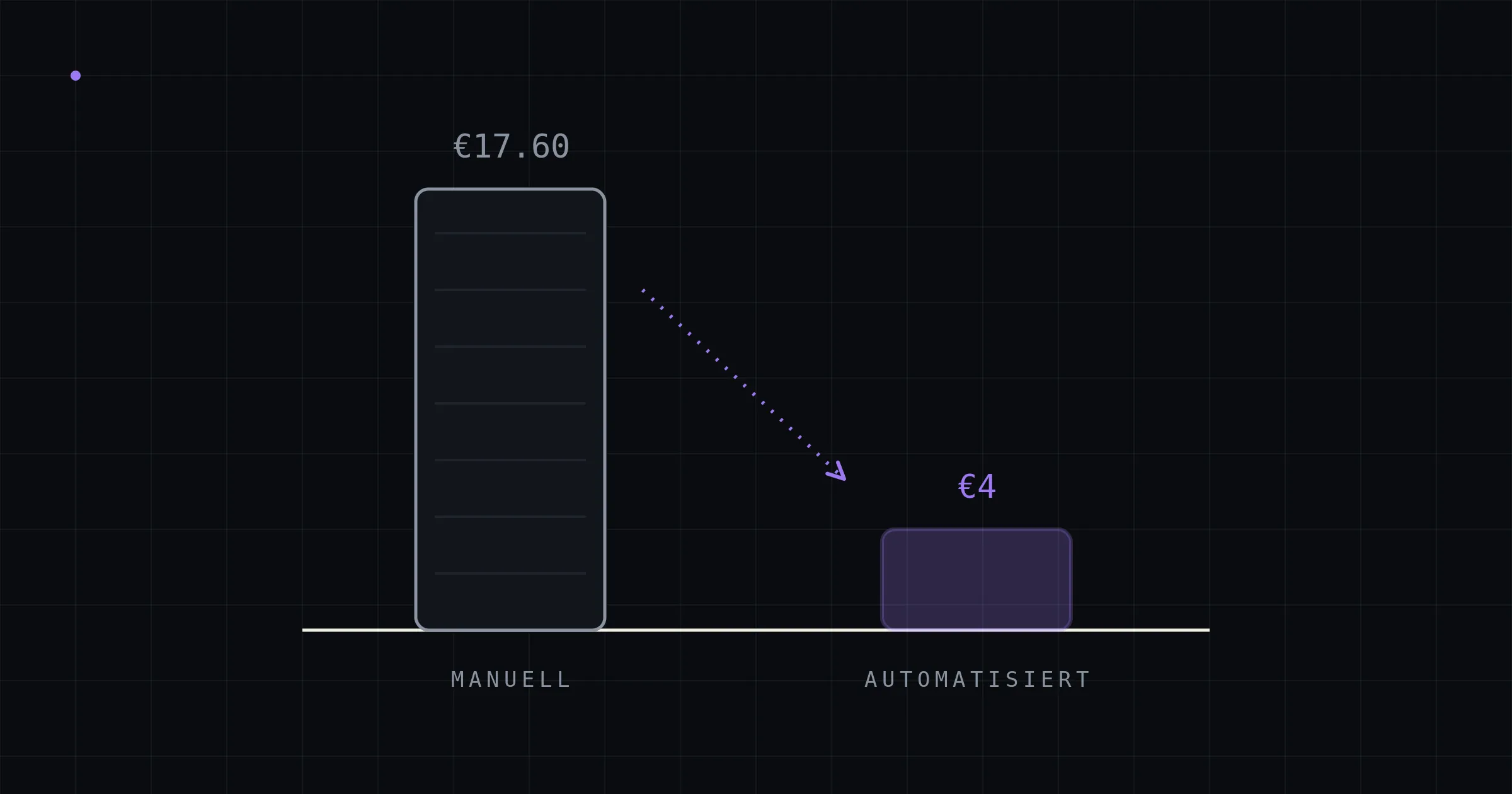
For context: industry analyses such as the Billentis report put the full process cost of a manually handled incoming invoice at €15 to €40 — well above the ~€4.50 of pure capture time the table implies. The difference is not a contradiction but a matter of scope: industry figures count the entire process (verification, approval routes, exception handling, filing, lookups). The table here is deliberately the lower bound — anyone arguing with it is arguing conservatively.
The invisible items: where it gets genuinely expensive
The cost of errors
People who spend hours a day rekeying make mistakes — not out of carelessness, but as a statistical certainty. Typical data-entry error rates sit in the low single-digit percent range; the downstream cost depends on the document type. A wrongly entered invoice costs time to clear up. A wrongly entered purchase order sets physics in motion: wrong quantity picked, wrong item manufactured, express replacement shipment, credit note, return.
A conservative model for the middle scenario: 40 documents × 220 days = 8,800 documents per year. At a 2% error rate and average downstream costs of €250 per incident, that’s 176 incidents and ~€44,000 per year — more than the pure capture time. Even halving both the rate and the damage still leaves a five-figure item. (Why “plausibly wrong” values are the critical error class even in automated systems — and how to catch them systematically — is covered in the article on the accuracy of AI extraction.)
Forfeited early-payment discounts and latency
Documents sitting in inboxes cost payment terms. If you only capture half of the 2% early-payment discounts on €1 million of discount-eligible purchasing volume because invoices move too slowly through entry and approval, you lose €10,000 a year — without anyone having done anything wrong. On the sales side, the same latency hits delivery dates: an order that arrives at noon and gets entered in the evening loses a shipping day, depending on the cut-off time.
Peaks, cover, and scaling
Manual entry scales with people. Seasonal peaks create backlogs or overtime; vacation and sick leave turn a well-rehearsed process into a risk. And growth has a hidden price: more orders mean proportionally more entry work — so the margin on every additional piece of business always carries a slice of capture cost. Automated processing decouples that: the twentieth and the two-hundredth document of the day cost the same — almost nothing.
Opportunity cost
The hardest to quantify and often the largest item: the people typing in documents are the same people who could be advising customers, following up on quotes, and negotiating with suppliers. In a tight labor market, sales support capacity is the scarcest resource in sales — rekeying is its most expensive use.
What automation costs — and where the savings go
An honest comparison needs both sides of the ledger. Two models are on the table:
Cloud SaaS (Intelligent Document Processing): quick to start, but with a structural property: pricing scales with volume — a subscription plus volume tiers or per-document pricing. Part of the savings flows permanently to the vendor, and the documents flow through the vendor’s cloud. As document volume grows, so do the costs.
On-premise pipeline: one-time project costs (depending on document variety and depth of ERP integration) plus hardware in the low thousands of euros — after that, essentially electricity and maintenance, with no per-document costs. In the middle scenario (€50,000–90,000 annual effect), payback typically lands within the first year; every year after that, the pipeline runs at near-zero marginal cost. The savings stay entirely in-house, and so do the documents — details in the article on on-premise document processing.
Important for the assessment: automation does not replace 100% of the capture work. A seriously built pipeline handles 70 to 90 percent of documents fully automatically at the outset; the rest runs pre-filled through a review screen that turns minutes into seconds. Your own calculation should therefore apply a factor of 0.7–0.9 to the capture savings — whereas the error and latency effects kick in fully from day one, because every automatically processed document is validated. (How that validation works: the guide.)
The formula for your own numbers
Four lines are all your own stocktake needs:
- Capture costs = docs/day × minutes/doc ÷ 60 × hourly rate × 220
- Error costs = docs/year × error rate × avg downstream cost per incident
- Lost discounts = discount-eligible purchasing volume × discount rate × share not captured
- Total × 0.7 to 0.9 = realistically automatable annual effect
If you don’t know the inputs, they’re quick to find: counting documents and minutes for one week (or auditing a month’s inbox) yields more reliable numbers than any estimate — and usually an uncomfortable surprise.
Frequently asked questions
Our staff do data entry on the side — does that really cost anything? Especially then. “On the side” means fragmented attention, higher error rates, and crowding out value-adding work. The fact that no single role does nothing but data entry makes the cost invisible, not smaller.
At what volume does automation pay off? As a rule of thumb, the case becomes consistently clear from around 10–20 documents a day; with high error costs (manufacturing, order picking), even earlier. Below that volume, it depends — the formula above answers it with your own numbers.
Aren’t the Billentis figures (€15–40 per invoice) exaggerated? They measure the entire process including verification, approval, and exception handling — not just the typing. This article’s conservative calculation arrives at ~€4.50 of pure capture time per document — apply the industry figures instead and the effects scale up accordingly. Your company’s truth lies somewhere in between, and it’s measurable.
What about the cost of the transition itself (project, test phase)? Real, but bounded: a pipeline is rolled out in phases (a pilot with ~10 documents, validation with ~100, then production) — the internal effort concentrates on providing sample documents and a few alignment sessions on ERP integration. Weeks, not months.
Conclusion
Manual document capture is expensive in the quietest way possible: distributed, invisible, habitual. Once made visible, capture time, error fallout, forfeited discounts, and tied-up sales support capacity add up to a solid five-figure annual sum for the typical mid-sized company — money that a validated, on-premise automation pipeline largely reclaims, with payback inside the first year. The whole calculation fits on the back of a napkin; plugging in your own numbers takes ten minutes.
In an intro call, kitun builds a first version of exactly this calculation — with your company’s real document volumes, in 20 minutes. And if automation doesn’t pay off, that conclusion will be on the table just as clearly.