ERP & Automation
Automating Order Entry: Getting PDF Purchase Orders Into Your ERP Without EDI
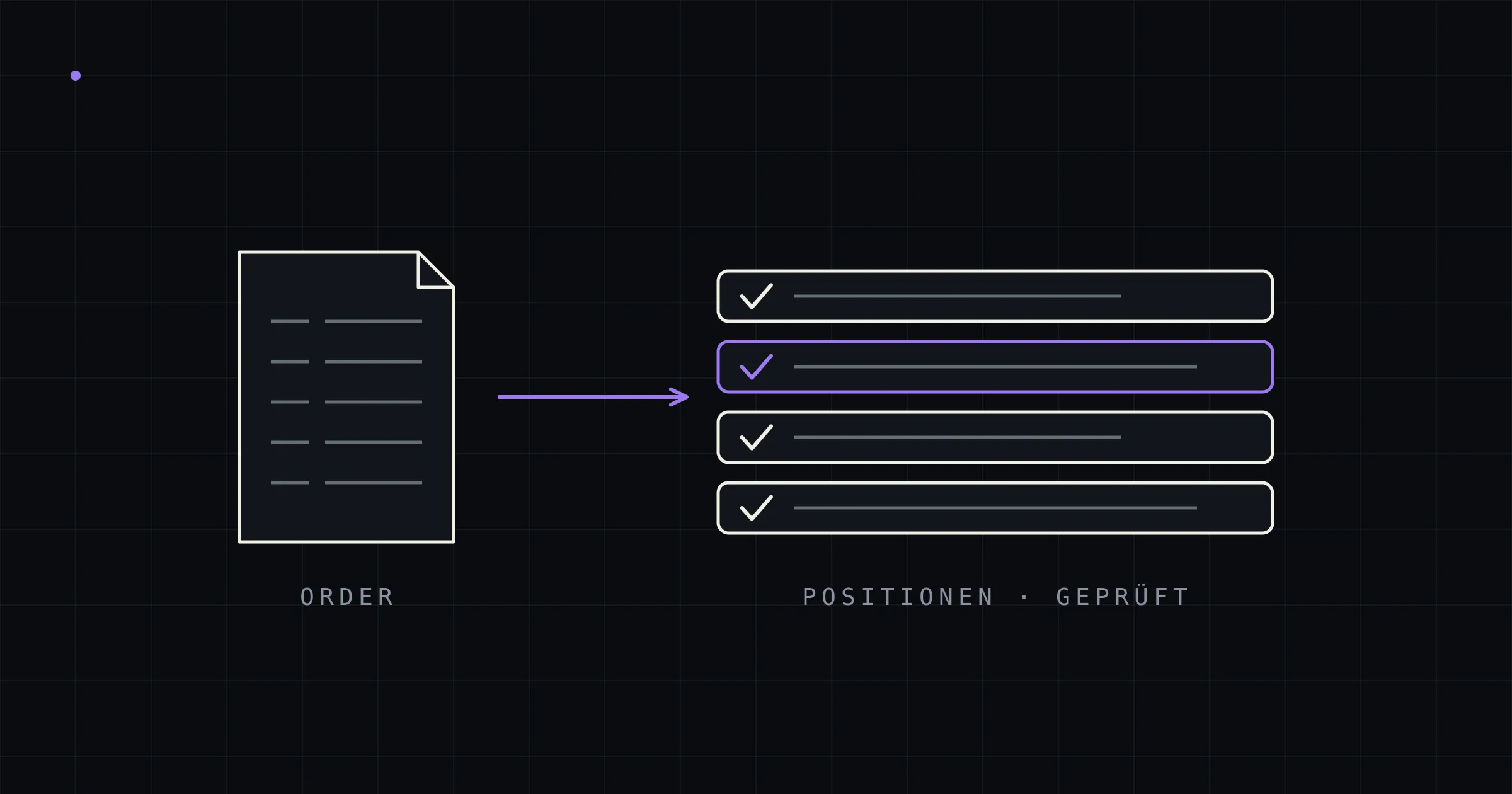
In the sales support team of a typical industrial company, inbound orders look like this: a purchase order arrives as a PDF by email — generated by the customer’s ERP system, cleanly formatted, all data present. Then an employee opens the ERP and types that very same data back in: order number, customer reference, line items, item numbers, quantities, prices, dates, delivery address.
Structured data is turned into a picture of data, sent by email — and on the receiving end, translated back into structured data by hand. This absurd media break is the norm in B2B, and it rarely makes it onto a digitalization agenda because it disguises itself as routine. Yet order entry is the document process with the biggest automation lever — and, as of recently, the most solvable one.
Why order entry, specifically
Three reasons make inbound orders the most rewarding target for document automation — ahead of invoice processing, which is where most solutions on the market focus:
First: no regulation will help here. Germany’s e-invoicing mandate is gradually structuring invoice traffic — for purchase orders, order confirmations, and delivery notes, there is nothing comparable, and nothing on the horizon. In Switzerland, there isn’t even a mandate for B2B invoices. If you’re waiting for regulation to fix inbound orders, you’ll wait forever.
Second: errors are most expensive here. A miskeyed invoice gets caught at reconciliation, at the latest. A miskeyed purchase order sets a physical chain in motion: the wrong quantity picked, the wrong item produced, the wrong delivery date confirmed. The follow-on costs — returns, express replacement shipments, credit notes, damaged customer trust — exceed the pure capture costs many times over.
Third: speed is revenue. Orders that sit in an inbox at noon and get entered in the evening lose half a day of lead time — for stock items, sometimes the entire shipping day. In industries that compete on delivery dates, capture latency is directly relevant to sales.
The EDI gap: why 80 percent of customers send PDFs
The classic answer to the media break is EDI — electronic data interchange from ERP to ERP. Where EDI runs, the problem is solved. The trouble is: EDI almost never runs across the board.
An EDI connection is a project per business partner — format alignment, mapping, testing, operations. That pays off for the ten largest customers with daily orders. For the long rest of the customer list — the machine builder who orders four times a year, the distributor with fluctuating call-offs — it never pays off. The result is the same pattern in almost every company: a handful of major customers order via EDI, the vast majority sends PDFs. Often, 20 to 50 percent of order volume comes from exactly that long tail.
WebEDI — supplier portals where smaller partners key in their data manually — doesn’t solve the problem either; it just shifts it: instead of your own sales support team, the business partner does the typing. Such portals are unpopular accordingly, and maintained just as patchily.
The realistic architecture for the mid-market therefore combines both: EDI for the connected major customers, AI extraction for everyone else. The pipeline treats the PDF like an inbound EDI message — it reads, structures, validates, and hands over to the ERP. Nothing changes for the customer: they keep ordering exactly the way they always have. That is precisely what makes this approach viable with sales — nobody has to re-educate business partners.
What order automation has to handle — and where simple solutions fail
Purchase orders are the most demanding inbound document type. Anyone familiar with invoice OCR routinely underestimates what orders add on top:
- Line items are the core. For an invoice, header data and the gross amount will do in a pinch. An order consists of its line items — ten, fifty, two hundred rows of item numbers, quantities, units, prices, discounts, dates. Table rows are exactly where most extraction errors happen.
- Multi-line items and page breaks. Item descriptions run across three lines, a line item gets cut in half by a page break with a carry-over subtotal, size and EAN details sit below the actual row. Classic template-based OCR breaks on such layouts; template-free language-model extraction reads them the way a person would — in context.
- The customer’s own item numbers. Customers order using their item numbers, not yours. The pipeline has to capture both and resolve them against the item master — including the cases where the match is ambiguous and a person should decide.
- Two “totals” and hidden discounts. Final amounts with and without VAT, line discounts in footnotes, tiered prices: fields that are easy to confuse — and, fortunately, fields that can be verified mathematically.
That last point reveals the design principle that separates robust solutions from superficial ones: the language model transcribes, it doesn’t calculate. It transfers only what appears verbatim in the document. Afterwards, deterministic code checks the arithmetic: quantity × price less discount must equal the line amount, the line totals must match the order total. Transposed digits — 12.80 becoming 12.08 — are exposed mathematically before they turn into a wrong delivery. On top of that comes the grounding check: every extracted value must be traceable to the original text of the PDF, or it counts as not extracted. Whatever passes all checks is created automatically as a sales order; everything else lands, pre-filled, in a review screen where checking takes seconds instead of minutes. (The full architecture is described here: Getting PDF documents into your ERP automatically — the guide)
The economics: a worked example
A mid-sized manufacturer receives 30 PDF purchase orders a day, averaging 8 line items each. Manual entry takes 5 to 15 minutes depending on line count — 8 minutes on average, at a fully loaded rate of €45 per hour:
- 30 orders × 8 minutes = 4 hours of data entry every day
- ≈ €180 per day, nearly €40,000 per year — pure data entry, before any error follow-on costs
- On top of that: avoided wrong deliveries. Even at a capture error rate of just 2 percent and average follow-on costs of €250 per incident, another roughly €33,000 a year adds up (30 × 220 working days × 2% × €250).
Against that, an on-premise pipeline carries one-off project costs plus modest operating costs — hardware on the scale of a single GPU workstation or a compact AI appliance (a few thousand euros), power, maintenance. No per-document pricing, no subscription tiers that grow with your own success. At these volumes, payback typically lands under a year; at higher document volumes, correspondingly sooner. And unlike SaaS solutions, the savings stay entirely in-house instead of flowing back to a vendor as volume fees.
At least as valuable as the cost side is the capacity side: the sales support team gains hours every day for the work that actually generates revenue — advising customers, following up on quotes, resolving complaints. Order peaks and vacation cover lose their terror, because the machine doesn’t go on holiday.
Implementation: three stages to automated order intake
The reliable rollout path is unspectacular — and effective precisely because of it:
- Pilot with ~10 real purchase orders. Real documents from 2–3 different customers, with the correct result defined manually (a gold set). The pipeline runs end-to-end through to a draft order in the ERP; a deliberately planted error must be caught by the checks.
- Validation with ~100 purchase orders — including customers the system has never seen. This is where the metrics that matter take shape: straight-through rate without correction, line-item accuracy, behavior on unknown layouts. From these, the threshold is calibrated above which an order is created automatically.
- Production with review queue. Uncertain cases go to the sales support team — pre-filled, checked in seconds. Corrections flow back into the pipeline; the review rate drops noticeably over the first months.
From kick-off to production takes a few weeks to a few months — not a major ERP project, but a precisely scoped module that docks onto the existing order process.
Frequently asked questions
Does this work for purchase orders with 100+ line items? Yes — that’s exactly where the payoff is biggest, because manual entry gets linearly more expensive and more error-prone with every line. The arithmetic check scales right along: every line item is recalculated individually, and the grand total is verified against the line totals.
What about orders sent as Excel attachments or in the email body? Structured attachments (CSV/Excel) are parsed deterministically and need no AI at all — they’re the easiest case. Orders written in email body text can be extracted, but run through the review queue more often under more conservative thresholds.
Does this replace our EDI connections? No, it complements them. Existing EDI connections remain the best channel for the connected major customers. The pipeline closes the gap for all the business partners for whom an EDI project will never pay off — without them having to change anything.
Do our customers have to change anything? No. Customers keep ordering by PDF and email as before. That is exactly what sets this approach apart from supplier portals and WebEDI, which merely shift the data entry burden onto the business partner.
Does the order data stay in-house? With an on-premise pipeline: yes, entirely. Extraction and validation run on your own hardware inside your own network; no document goes to a cloud service. Details: AI document processing on-premise.
Conclusion
Order entry is the most valuable and at the same time most overlooked candidate for document automation: no regulation will solve it, EDI covers only the top of the customer list, and every capture error costs physical money. Template-free AI extraction with deterministic validation closes this gap — purchase orders flow into the ERP automatically, validated, and traceably, while customers keep ordering the way they always have.
kitun builds order entry pipelines as custom ERP modules — on-premise, template-free, with direct integration into your existing ERP, without per-document pricing. A 20-minute intro call is enough for a first assessment of your inbound orders.